How to Prep Your Logo or Artwork for Best Printing Results

January 29, 2026

In today’s competitive market, the visual identity of a brand is one of its most powerful assets. Logos and artwork are often the first point of contact between a business and its audience, making their quality and presentation paramount. However, even the most visually appealing designs can fall short if they are not properly prepared for printing. From subtle color mismatches to blurred edges, poorly prepared graphics can negatively impact brand perception and compromise professional credibility. Ensuring your logo or artwork is print-ready is therefore not just a technical necessity—it is an investment in the consistency and impact of your brand.


Achieving optimal print results requires a combination of technical knowledge, careful planning, and attention to detail. Understanding file formats, color profiles, resolution standards, and design scalability can make the difference between a sharp, vibrant final product and a lackluster one. Whether you are preparing business cards, banners, or promotional merchandise, knowing how to properly prep your graphics ensures that your vision translates perfectly from screen to print. In this guide, we explore actionable strategies, expert tips, and best practices to help you prepare logos and artwork for high-quality printing, making your brand shine across all mediums.

1. Understanding Print Requirements

Know Your Printing Method

The first step in preparing your logo or artwork is understanding the type of printing you plan to use. Different printing methods—offset, digital, screen printing, and sublimation—have unique requirements. For instance, offset printing is ideal for high-volume projects and requires CMYK color mode and high-resolution files. Digital printing allows for more flexibility in colors and designs but still demands clarity and precise file formats. 

Resolution Matters

Resolution is a critical factor for print quality. Images that look clear on a screen may appear pixelated when printed if the resolution is too low. Standard print resolution is 300 DPI (dots per inch) for most materials, whereas large-format prints like banners or billboards may allow for lower DPI due to viewing distance. Ensuring your artwork meets the proper resolution prevents blurry or jagged edges and guarantees that every line and color gradient is crisp and professional.

File Formats and Compatibility

Choosing the correct file format is another essential consideration. Vector files (such as AI, EPS, or SVG) are scalable without losing quality, making them ideal for logos and detailed illustrations. Raster files (like JPEG, PNG, or TIFF) must be high-resolution to maintain clarity in print. Many printers prefer CMYK PDFs for their consistency and compatibility with professional printing equipment. Providing the right format saves time, prevents errors, and ensures your final print matches your original design.

2. Optimizing Colors for Print

  • Understand Color Modes

    Color is one of the most complex aspects of preparing artwork for print. Screens display colors in RGB (Red, Green, Blue), which can appear more vibrant than they actually will in print. Printers use CMYK (Cyan, Magenta, Yellow, Black), which translates colors differently. Designers must convert RGB files to CMYK and make adjustments to ensure colors maintain their vibrancy and accuracy. Failing to convert can lead to muted tones or unexpected color shifts, undermining brand consistency.

  • Using Pantone Colors

    For projects requiring precise color matching, using Pantone (PMS) colors can be highly effective. Pantone provides standardized shades that are consistent across all print materials. This is especially important for logos, where maintaining brand identity is crucial. For example, if a brand’s signature blue is slightly off, it can affect consumer recognition and weaken marketing impact.

  • Checking Color Proofs

    Proofing is the process of reviewing how colors will appear in the final print. Soft proofs on a monitor or hard proofs printed by the printer allow designers to compare and adjust colors before mass production. Proofing helps catch errors such as color inconsistencies, saturation issues, or misaligned gradients. Investing time in proofing reduces costly mistakes and ensures the final print represents the brand accurately.

3. Preparing Artwork Files

Maintaining Vector Integrity

Logos and illustrations should ideally be designed in vector format. Vectors are composed of points, lines, and curves, allowing them to scale infinitely without quality loss. This is particularly beneficial for printing on different mediums—from small business cards to large banners. Preserving vector paths, text, and shapes during file preparation ensures clean lines, sharp edges, and consistent proportions, regardless of size.

Proper Use of Layers

Organizing artwork in layers simplifies file management and allows for easier edits. Layers can separate background elements, text, and individual design components, giving printers flexibility for adjustments without compromising the entire file. Clear layer naming and structure also improve workflow efficiency and reduce the likelihood of errors during production.

Flattening or Embedding

While layers are useful, some printers require flattened files or embedded elements to prevent issues with missing fonts or effects. Flattening merges layers into a single image while maintaining visual appearance, and embedding fonts or linked images ensures nothing is lost during printing. Always confirm printer specifications to determine whether flattening or embedding is necessary.

4. Typography Considerations

  • Choosing Print-Friendly Fonts

    Not all fonts are suitable for printing. Fine, intricate fonts may look elegant on screen but become unreadable at smaller sizes or on certain materials. Opt for clean, bold, and legible typefaces for logos and printed designs. Sans-serif fonts are often recommended for clarity, while serif fonts can work well for formal or classic designs. Testing font readability at actual print sizes is crucial to avoid legibility issues.

  • Converting Text to Outlines

    Converting text to outlines (or curves) transforms font characters into vector shapes. This prevents font substitution or errors when a printer doesn’t have the same font installed. It also maintains design integrity, ensuring that logos and text appear exactly as intended. Outlined text is especially important for intricate designs or promotional products where precision is key.

  • Hierarchy and Spacing

    Proper hierarchy and spacing improve visual impact and readability. Avoid crowding text or placing elements too close to edges. Use consistent margins, line spacing, and alignment to create balanced compositions. These considerations prevent smudging, overlapping, or cutting off text during the printing process.

5. Proofing and Test Prints

The Value of Test Prints

Before committing to large print runs, creating test prints is essential. Test prints reveal potential issues such as color discrepancies, pixelation, or misalignment. They provide a tangible reference to compare against the digital design and allow for fine-tuning. Even a single-page test can save significant time and costs by catching errors early.

Working with Your Printer

Collaborating closely with your printer is key to achieving optimal results. Provide clear specifications, reference files, and desired outcomes. Experienced printers can offer insights on color adjustments, paper types, coatings, and finishes that enhance the final product. Open communication reduces misunderstandings and ensures the print aligns with your vision.

Evaluating Material and Finish

The choice of printing material and finish directly impacts how artwork appears. Matte, glossy, or textured finishes can enhance or dull colors and contrast. High-quality paper, cardstock, or specialty materials improve durability and perception. Consider the intended use and audience of your printed materials when selecting these options to achieve the best visual effect.

6. Common Pitfalls and How to Avoid Them

  • Low-Resolution Graphics

    One of the most frequent issues in print preparation is using low-resolution images. Even seemingly sharp digital images can appear blurry when printed at large sizes. Always start with high-resolution sources and confirm that raster images are at least 300 DPI for standard prints. For large-format items, consult your printer for optimal resolution recommendations.

  • Ignoring Bleed and Safety Margins

    Bleed and safety margins prevent artwork from being cut off during trimming. Extending design elements slightly beyond the intended cut line (bleed) ensures a seamless edge, while keeping important elements inside safety margins protects them from accidental cropping. Ignoring these can lead to partially cut logos, text, or images, resulting in unprofessional-looking prints.

  • Overcomplicating Design

    Describe the item or answer the question so that site visitors who are interested get more Complex effects, gradients, or intricate patterns may appear stunning digitally but can pose challenges for certain printing methods. Simplifying design elements while maintaining visual appeal ensures consistent results. Test simplified versions if necessary, and work with printers to understand which effects are achievable with the chosen printing process.. You can emphasize this text with bullets, italics or bold, and add links.


Delivering Flawless Prints Through Expert Preparation Techniques

Preparing logos and artwork for print is a critical step in ensuring that your brand is presented professionally and consistently. From understanding print requirements and color management to optimizing file formats, typography, and materials, every detail plays a role in achieving high-quality results. Proofing, test prints, and collaboration with printers help prevent costly errors and guarantee that designs translate from digital to physical form accurately. By following these best practices, businesses can maintain brand integrity, enhance visual appeal, and produce materials that leave a lasting impression on their audience.


At Custom Trophy / Active Edge, we bring over 20 years of experience in delivering high-quality, precision-crafted printing and trophy solutions in Florence, KY. Our family-owned business understands the nuances of preparing artwork for print, from color accuracy to file optimization, ensuring every project meets exacting standards. We work closely with clients to provide personalized guidance, professional insights, and flawless execution, helping your logos and artwork achieve maximum impact. Whether for corporate branding, awards, or promotional materials, our expertise guarantees reliable, top-quality results that reflect your brand’s identity with clarity and distinction. Trust Custom Trophy / Active Edge for precision, professionalism, and unparalleled attention to detail.

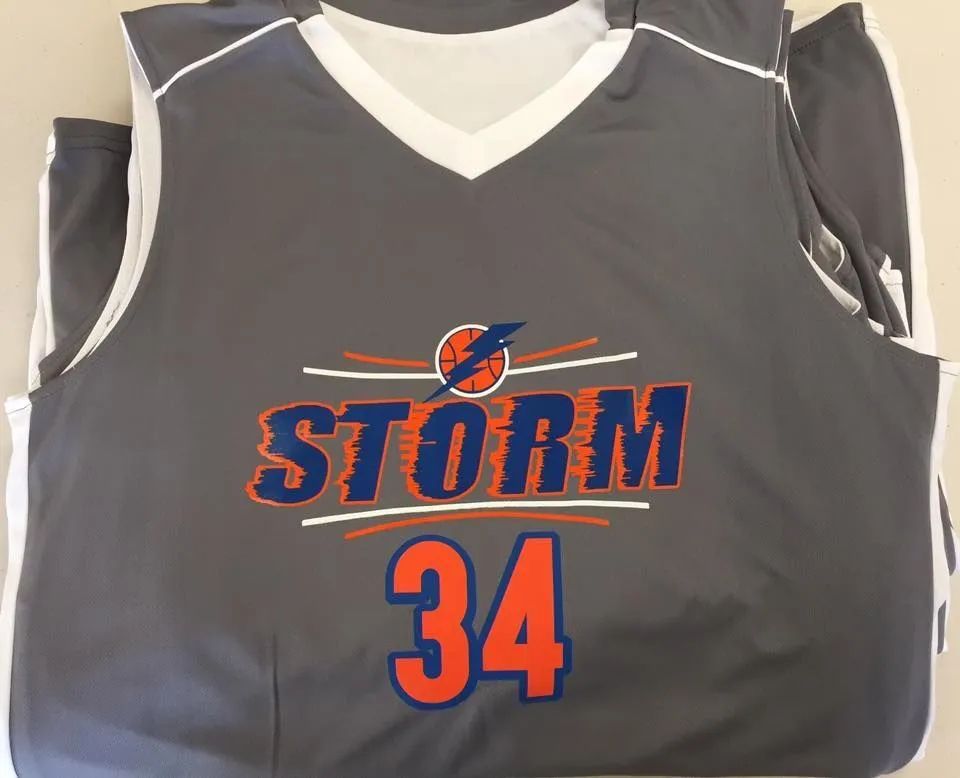
Gray basketball jersey with
December 19, 2025
Creating printed materials that truly represent your brand begins long before the ink hits the paper or the vinyl is pressed. Whether you’re producing marketing materials, apparel, promotional items, or signage for events, clients, or internal branding,
Blue and black t-shirts printed with
November 13, 2025
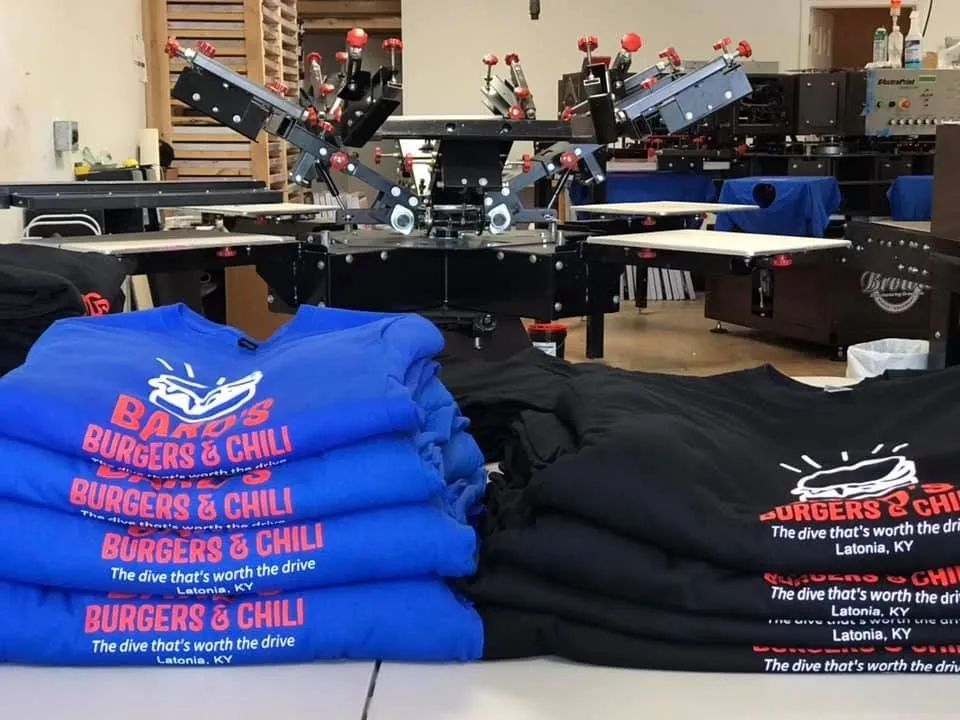
When it comes to custom orders, speed isn’t just a bonus—it’s a necessity. Whether you’re organizing a corporate event, planning a sports ceremony, or creating personalized gifts, a fast turnaround can make the difference between a seamless success and a stressful scramble.
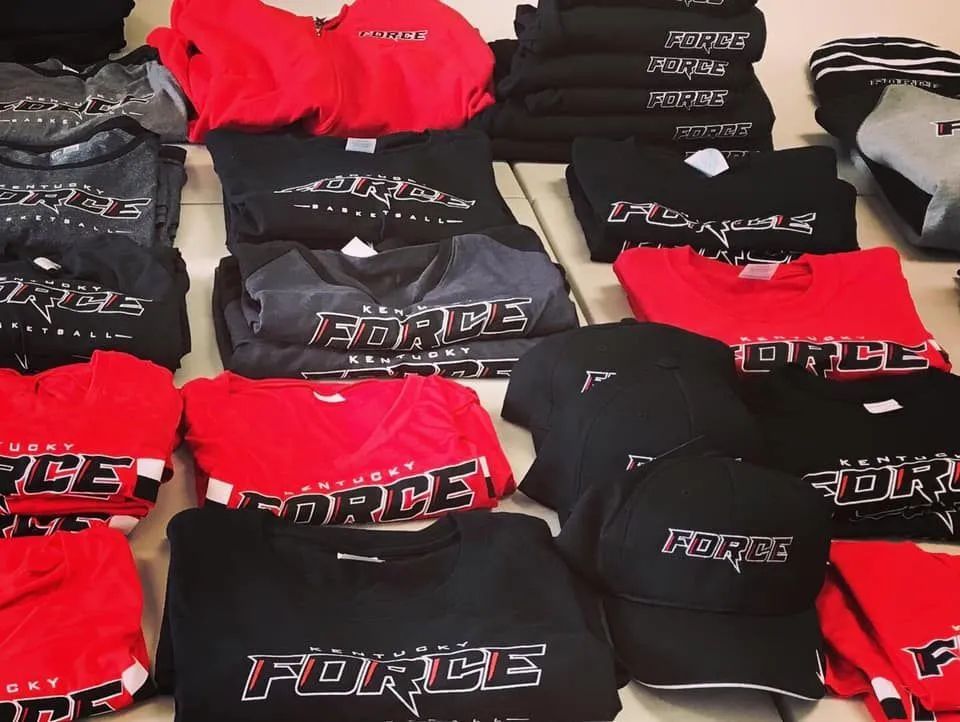
Folded red, black, and gray shirts and hats with
October 8, 2025
In today's competitive market, branding is everything, and custom apparel is one of the most effective ways to establish a strong and professional identity. Whether you're outfitting your team, promoting an event, or giving away merchandise,
Show More
Gray basketball jersey with
December 19, 2025
Creating printed materials that truly represent your brand begins long before the ink hits the paper or the vinyl is pressed. Whether you’re producing marketing materials, apparel, promotional items, or signage for events, clients, or internal branding,
Blue and black t-shirts printed with
November 13, 2025
When it comes to custom orders, speed isn’t just a bonus—it’s a necessity. Whether you’re organizing a corporate event, planning a sports ceremony, or creating personalized gifts, a fast turnaround can make the difference between a seamless success and a stressful scramble.
Folded red, black, and gray shirts and hats with
October 8, 2025
In today's competitive market, branding is everything, and custom apparel is one of the most effective ways to establish a strong and professional identity. Whether you're outfitting your team, promoting an event, or giving away merchandise,
Show More